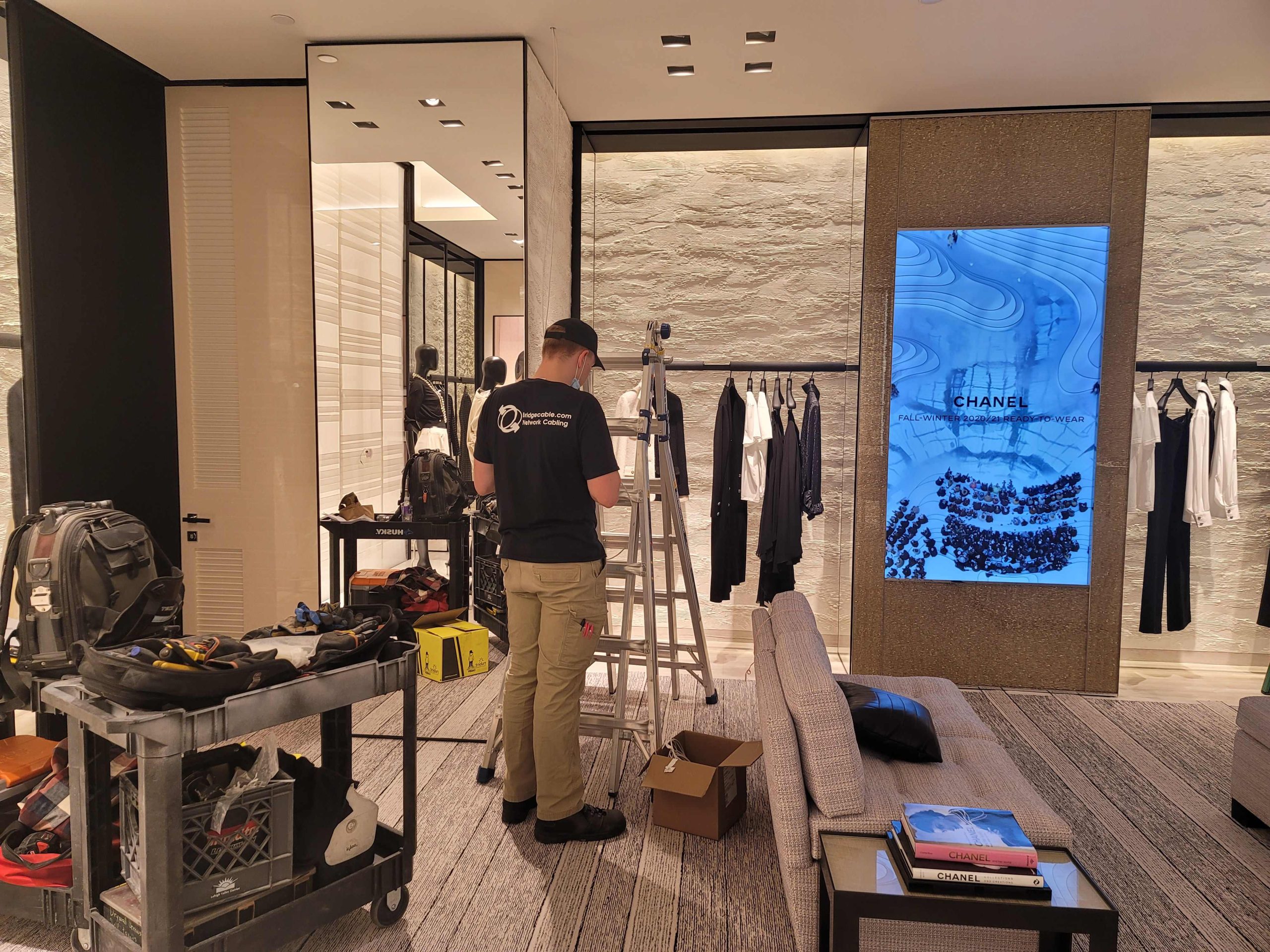
Cloud vs. Local: Which Security Camera Storage Wins?
When you install cameras to protect your home or business, one of the biggest decisions has nothing to do with resolution or night vision — it comes down to security camera storage. Do you send footage to the cloud, keep it on a local hard drive, or split the difference with a hybrid setup? Your security camera storage choice affects your monthly budget, how fast you can pull up footage after a break-in, and how safe your recordings are from tampering or theft. Below, we break down the real pros and cons of cloud and local security camera storage so you can match the setup to your property, your budget, and your peace of mind.
What Is Cloud Storage for Security Cameras?
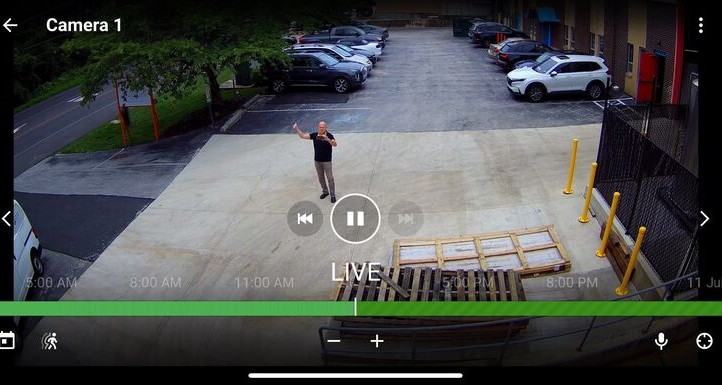
Cloud storage for security cameras sends your video over the internet to remote, off-site servers run by your camera manufacturer or a third-party provider. Instead of pulling footage off a box sitting in your closet, you log into an app and stream clips from wherever you have a signal. Most modern cloud-based security camera storage plans also bundle in extras like AI-powered motion alerts, person and package detection, and automatic firmware updates, which is part of why doorbell cameras and small business systems lean so heavily on this model.
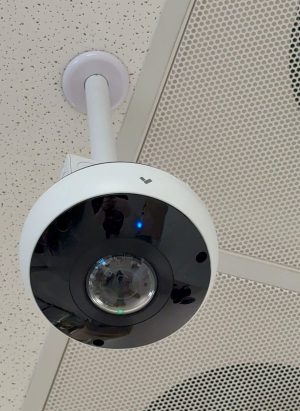
A pole-mounted dome camera keeps watch from the ceiling, its fisheye lens giving it a wide field of view over the space below.
Pros of Cloud Storage
- Access from anywhere. Check in on your property from your phone, whether you’re at work or on vacation.
- Protection from physical threats. If a burglar smashes the camera or steals the equipment, your footage is already safely off-site.
- Effortless scalability. Add more cameras or extend your retention window without buying new hardware.
- Automatic updates. Software patches, AI detection features, and security camera storage capacity upgrades happen behind the scenes.
Cons of Cloud Storage
- Recurring costs. Cloud storage for security cameras typically runs $10 or more per camera, per month, once you factor in extended retention — costs that add up fast across a multi-camera system.
- Internet dependency. A slow connection or an outage can delay uploads or cut off live viewing entirely.
- Third-party trust. Your footage lives on someone else’s servers, which raises legitimate privacy and data-ownership questions.
- Compression and lag. Bandwidth limits can mean lower video quality and a slight delay compared to a local feed.
What Is Local Storage for Security Cameras?

Adding a microSD card gives this WiFi security camera local, onboard storage for continuous or motion-triggered recordings.
Local storage for security cameras keeps footage on-site, typically on an NVR (network video recorder), DVR, or a microSD card inside the camera itself. There’s no internet requirement for recording to happen — the camera writes directly to the drive sitting in your building. For homeowners and businesses comparing NVR vs. cloud storage, the appeal is straightforward: you own the hardware, you own the footage, and there’s no monthly bill tied to how many days of video you want to keep.
Pros of Local Storage
- Lower long-term cost. One hardware purchase, and you’re generally done — no ongoing subscription for basic security camera storage.
- Full control. Your footage never leaves the property unless you choose to export it.
- Uninterrupted recording. Local storage for security cameras keeps working through internet outages, since nothing needs to reach the cloud.
- Higher video quality. Without upload compression, you typically get sharper, higher-bitrate footage.
Cons of Local Storage
- Vulnerable to physical loss. Fire, flooding, or a thief who grabs the recorder along with the cameras can wipe out your footage entirely.
- Limited capacity. Drives fill up and older footage gets overwritten unless you actively manage storage.
- Remote access takes setup. Viewing your feed away from home often means configuring a VPN or port forwarding, which isn’t always beginner-friendly.
- You’re the IT department. Maintenance, backups, and troubleshooting fall on you instead of a provider’s support team.
Hybrid Storage: Getting the Best of Both
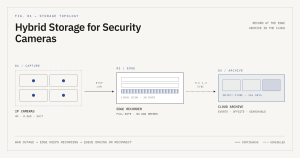
A hybrid storage architecture keeps full-rate 4K footage on local edge storage for 30 days while automatically archiving event clips to the cloud for a full year — so recording never stops even if the internet goes down.
A growing number of homeowners and businesses are landing on hybrid security camera storage — recording locally by default, then backing up key clips or triggered events to the cloud. This setup gives you the uninterrupted recording and video quality of local storage, plus an off-site copy that survives theft or disaster. It’s typically pricier than local-only storage but far more affordable than storing every camera’s full-time feed in the cloud, making it one of the most balanced approaches to security camera storage available today.
How to Choose the Right Security Camera Storage for You
There’s no single best storage for security cameras — the right pick depends on what you’re protecting and how you use your system:
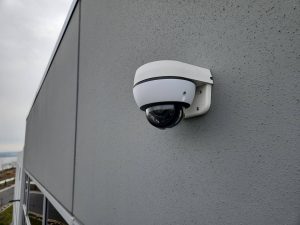
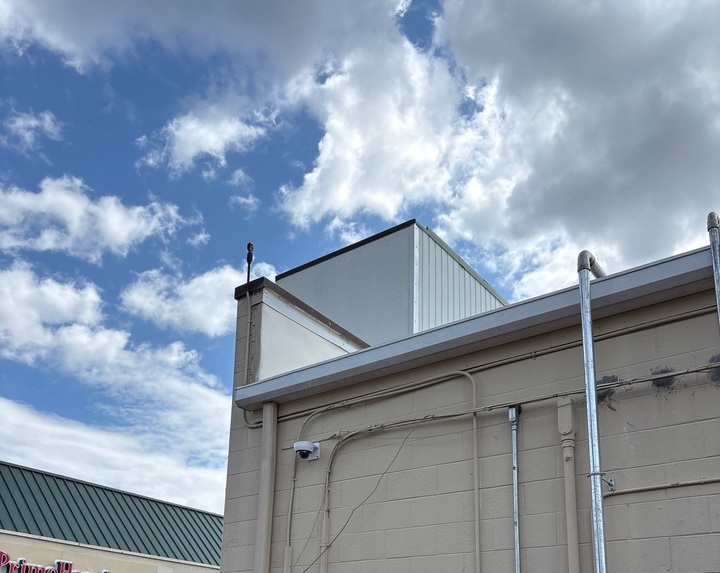
A vandal-resistant dome camera mounted on an exterior wall, positioned to monitor building access points and surrounding grounds.
- Choose cloud storage if remote access, off-site backup, and hands-off maintenance matter most, and a monthly fee fits your budget.
- Choose local storage if you want the lowest long-term cost, the highest video quality, and full ownership of your data.
- Choose hybrid storage if you want local reliability with a cloud safety net for your most important cameras or events.
Whichever direction you lean, understanding how cloud and local security camera storage actually differ — in cost, reliability, and control — puts you in a much better position to choose a system that protects your property without surprises down the road.
For help with any project or installation in the New Jersey or Philadelphia area please call us at 877-832-1206.
For more ideas please visit – https://www.bridgecable.com/services/
For more information and educational content please visit:
https://www.youtube.com/@BridgeCable
Copyright © 2026 Bridge Cable. All rights reserved.
Mailing: 2745 Terwood Road, Willow Grove, PA 19090
Warehouse: 2066 W. Hunting Park Ave, STE 308, Philadelphia, PA 19140
Related Posts
How Weather Extremes Affect Your Security Surveillance
CCTV Contractor: CCTV vs AI Video Analytics in 2026