How Does Cable Networking for Schools Integrate Security?
Cameras are the most visible part of school security, but on their own they only record. Connected through cable networking for schools, the same cameras can open live video the moment a door is forced or a panic alert goes off.
When most people picture school security, they picture cameras. Cameras matter, but a camera on its own only records what happened. The schools that respond fastest treat security as a connected system: a visitor check-in that talks to the door locks, a panic alert that pulls up the nearest camera, a lockdown that reaches every classroom speaker at once. Making those systems work together depends on something families rarely see: cable networking for schools that ties every device into one dependable network.
Why Surveillance Alone Isn’t Enough
A standalone camera system can show investigators what happened after the fact. It can’t lock a door, warn a teacher, or tell responders where to go. When video, access control, communications, and alerts run as separate systems, staff have to piece together information from different screens and different phones during the moments when time matters most. Integrated security closes those gaps. One event, such as a forced door or a pressed panic button, triggers the right response across every connected system at once, and cable networking for schools is what carries that signal from device to device.
What Integrated School Security Looks Like
A modern integrated design usually brings together several layers:

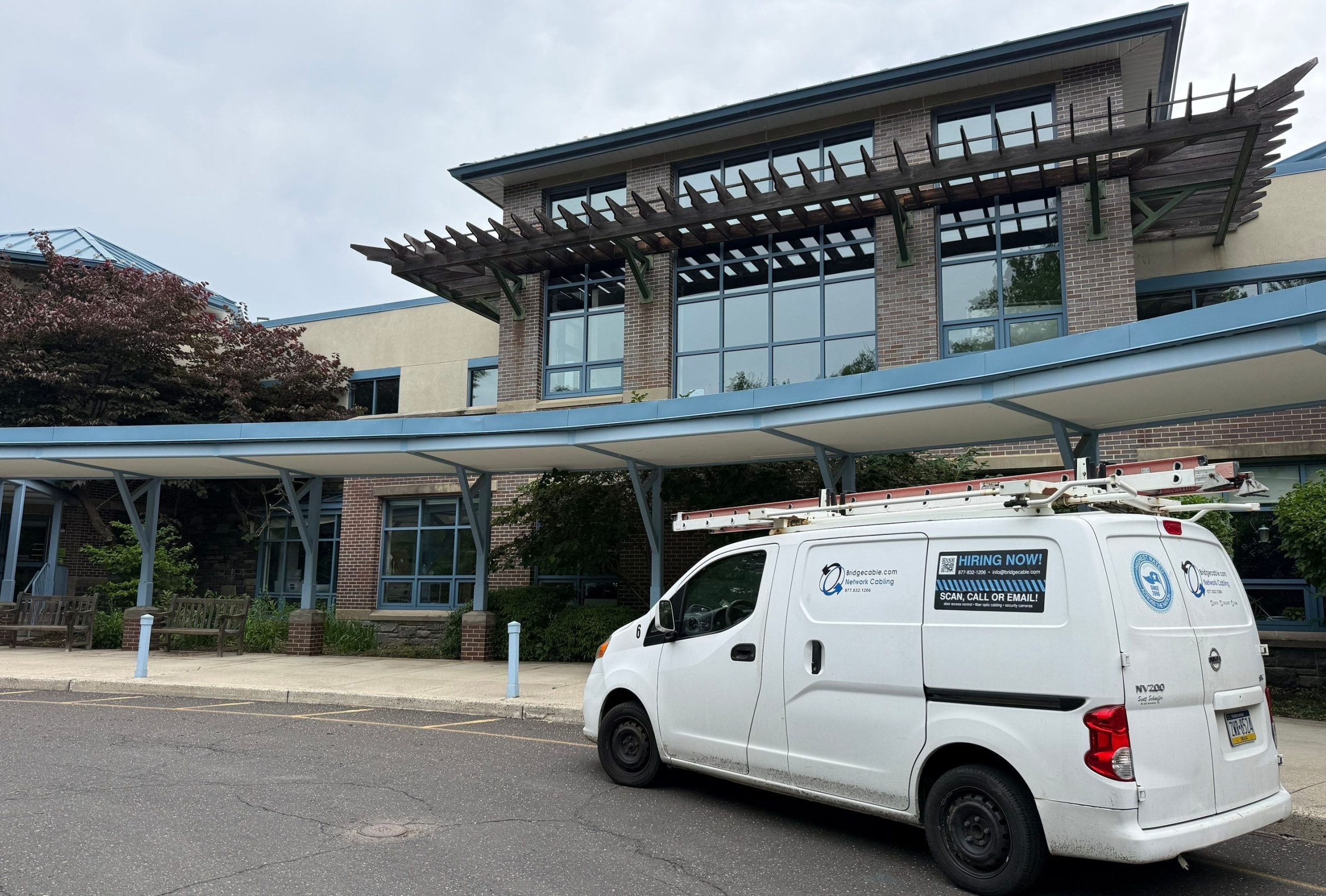
Good security should feel like part of the building, not a barrier. A discreet camera and a posted “monitored property” notice at this entrance let students come and go freely while staying protected, and clear signage keeps everyone informed about how the space is watched.
Access control and visitor management. Card readers on exterior doors, a secured entry vestibule at the main office, and a visitor system that scans ID, screens against approved lists, and prints a dated badge. When these are integrated, a single lockdown command can secure every exterior door in seconds.
Video surveillance. IP cameras cover entrances, hallways, cafeterias, parking lots, and bus loops. In an integrated system, live video opens automatically on the security workstation whenever a door is forced or an alert fires nearby, which only works when cable networking for schools links the cameras to the access control system.
Video intercoms. Front office staff can see and speak with visitors before buzzing them in, so the door is never the first line of conversation.
Panic buttons and wearable alerts. A growing number of states have passed versions of Alyssa’s Law, which calls for silent panic alarms that connect directly to law enforcement. Wearable badges let teachers and staff call for help from a classroom, hallway, or playground and share their location.
Mass notification. Lockdown, shelter-in-place, and evacuation messages reach PA speakers, classroom displays, desktop computers, and staff phones at the same time, all delivered over cable networking for schools.
Environmental and vape sensors. Sensors in restrooms and locker rooms detect vaping, loud aggression, or air quality changes without putting cameras in private spaces.
Emergency responder radio coverage. Many fire codes require in-building coverage so police and fire radios work inside thick masonry walls and basements.
Cable Networking for Schools Is the Common Thread
Every one of those layers rides on the same physical infrastructure. When the cabling is undersized, aging, or undocumented, integration breaks down at exactly the wrong moment. Well-designed cable networking for schools focuses on a few essentials:
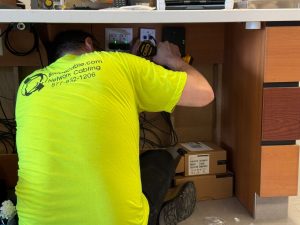
The front office is where visitor check-in, phones, and emergency alerts all come together. A Bridgecable technician terminates network connections under a reception desk so every device staff rely on has a clean, dedicated cable run.
A fiber backbone. Fiber between buildings and telecom closets gives K-12 & campus network infrastructure the capacity to carry hundreds of camera streams alongside alerts and access control traffic.
Power over Ethernet. Cameras, card readers, intercoms, access points, and many sensors draw power through the same cable that carries their data. School network cabling has to account for PoE budgets, cable lengths, and heat in bundled runs.
Segmentation. Security devices belong on their own VLANs, separate from student Chromebooks and guest Wi-Fi, so a busy testing day never slows a live camera feed or a lockdown command.
Redundancy and backup power. Battery-backed switches and diverse uplinks keep doors, cameras, and notification working through a power flicker or a cut cable.
Documentation. In cable networking for schools, labeled ports and as-built drawings mean a technician can trace any device quickly, and any unknown device stands out during an audit.
Strong education facility cabling turns separate products into one coordinated system. Weak cabling turns them back into islands.
How Integration Speeds Up Emergency Response
Picture a teacher pressing a wearable panic badge in Room 214. In an integrated school, the alert reaches the front office and 911 dispatch with the room location. Cameras covering that hallway open on the security workstation. Exterior doors lock, the PA announces a lockdown, and classroom displays show instructions. Arriving officers can view live video and know which wing to enter. Each of those steps crosses from one system to another, and every crossing depends on cable networking for schools that’s fast, segmented, and reliable. Without it, the same response means phone calls, radio relays, and guesswork.
Integration Pays Off Every Day, Not Just in Emergencies
Integrated security also makes ordinary days run better. Late arrivals check in through the visitor system instead of a propped side door. Door-held alarms flag the entrance that keeps getting wedged open. Vape alerts go straight to an administrator’s phone. After-hours intrusion alerts arrive with video so staff can decide whether to dispatch police. All of that runs on the same cable networking for schools that supports the emergency response, which helps the investment earn its keep year-round.
Planning an Integrated Security Upgrade
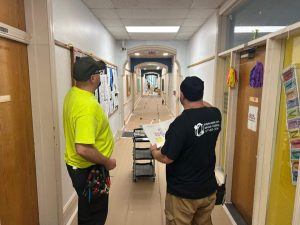
Every integrated security upgrade starts with a plan. Bridgecable technicians review marked-up floor plans in a school hallway, mapping where cameras, card readers, and cable runs will go, with floors protected so the building is ready when students return.
Start with an assessment. Walk every building with IT, facilities, administrators, and a cabling contractor. Note which cameras are analog, which switches lack PoE capacity, and which buildings still run on aging copper. That inventory shows where cable networking for schools needs work before new devices go in.
Bring responders in early. Local police and fire departments can advise on alert routing, video sharing, and radio coverage before anything is purchased.
Choose open platforms. Look for systems that integrate with each other through supported connections, so you aren’t locked into one vendor for every layer.
Fix the infrastructure first. Upgrading school network cabling before adding devices prevents bottlenecks and costly rework later.
Phase the work. Summer break and holiday weeks are ideal windows for ceiling work, cable pulls, and cutovers.
Protecting Privacy and Building Trust
More connected technology brings more responsibility. Set clear policies for video retention, who can view footage, and how alerts and logs are stored. Keep cameras out of restrooms and locker rooms, rely on sensors there instead, and share your approach with parents and staff. Secure cable networking for schools supports those policies by keeping security data on protected, segmented networks with access logs.
Bringing It All Together
Cameras are only one piece of school safety. The real protection comes from connecting video, access control, visitor management, panic alerts, and mass notification so they act as one system when seconds count. That connection starts with the cable in the walls and ceilings. Districts that invest in well-planned cable networking for schools, design their education facility cabling with security in mind, and pair technology with trained people and clear policies will build campuses that are safer, calmer, and better prepared for whatever comes next.
For help with any project or installation in the New Jersey or Philadelphia area please call us at 877-832-1206.
For more ideas please visit – https://www.bridgecable.com/services/
For more information and educational content please visit:
https://www.youtube.com/@BridgeCable
Copyright © 2026 Bridge Cable. All rights reserved.
Mailing: 2745 Terwood Road, Willow Grove, PA 19090
Warehouse: 2066 W. Hunting Park Ave, STE 308, Philadelphia, PA 19140
Related Posts
How Does Data Center Structured Cabling Improve Security?
How Does Cable Networking for Schools Power AI Security?